
Using Storyboard Sequences#
In the lesson about Storyboard Sequences, you discovered how to create animatics mixing drawings and 3d environment. Once this step of pre-production is done, you can use the storyboard as a reference, either as a Subsequence Track or a Shot Track.
Note
The main difference between Shot and Subsequence Tracks is that Shot Tracks are “unique” (you can only play 1 Shot Track at a time) while Subsequence Tracks are more like “layers” of various actions taking place simultaneously.

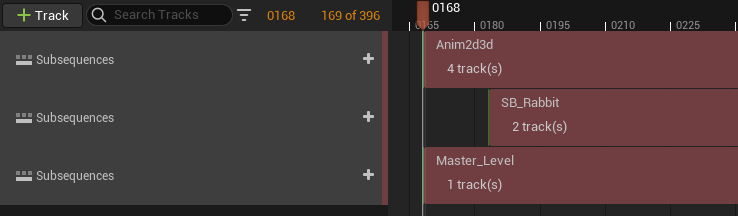
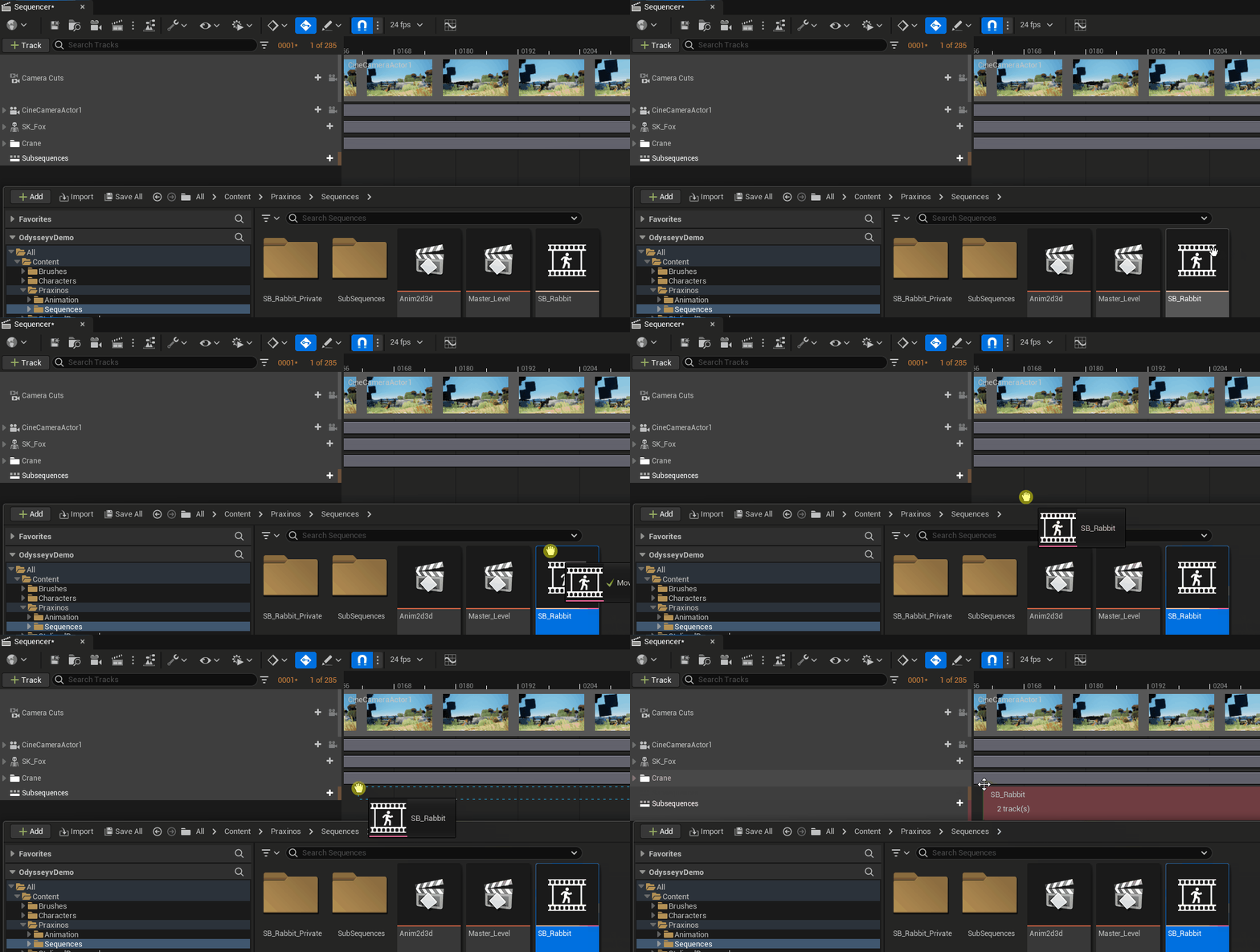
To add a Board Sequence or a Shot Sequence into a Level Sequence (as a Subsequence Track or a Shot Track), open the Content Browser and drag the Asset into a Level Sequence, in the timeline area.
Note
You can still work on the Storyboard from a Level Sequence: just make sure you selected the right Plane in the Outliner.