Create a Shot Sequence#
If we compare it to a live-action film, a Shot Sequence is kind-of a footage recorded between the moment the camera is running on and the moment the camera is cut off.
Shot Sequences must contain at least :
a Camera Track
an Odyssey Animation Actor Track
From the Sequencer (recommended)#
Once the Board Sequence is open, you will have the possibility to create your first Shot Sequence directly from the Sequencer.
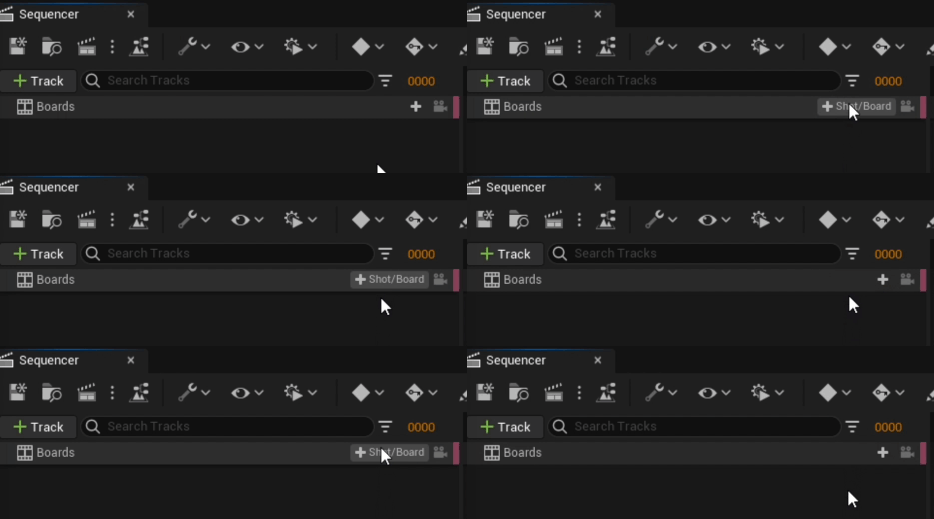
To do so, hover the mouse above the “+” button available on the left of the Sequencer to display the option + Shot/Board.
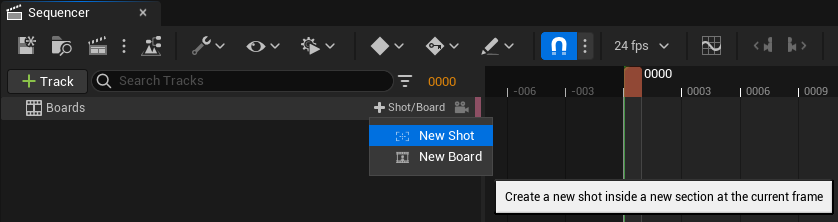
Click on this option to select New Shot
Once created, the Sequencer will show you an empty Section with a Shot Sequence:
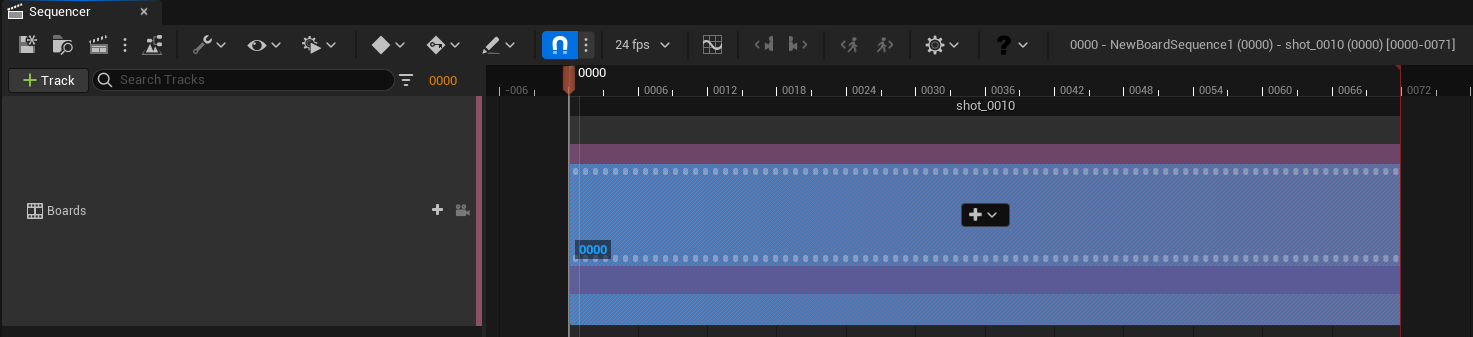
You are ready nowto go to the next step.
From the Content Browser#
You also have the possibility to create new Shot Sequences directly from the Content Browser.
To do so, do a right click on the Content Browser and select “Odyssey”” ▸ “Shot Sequence”” in the pop-up window.

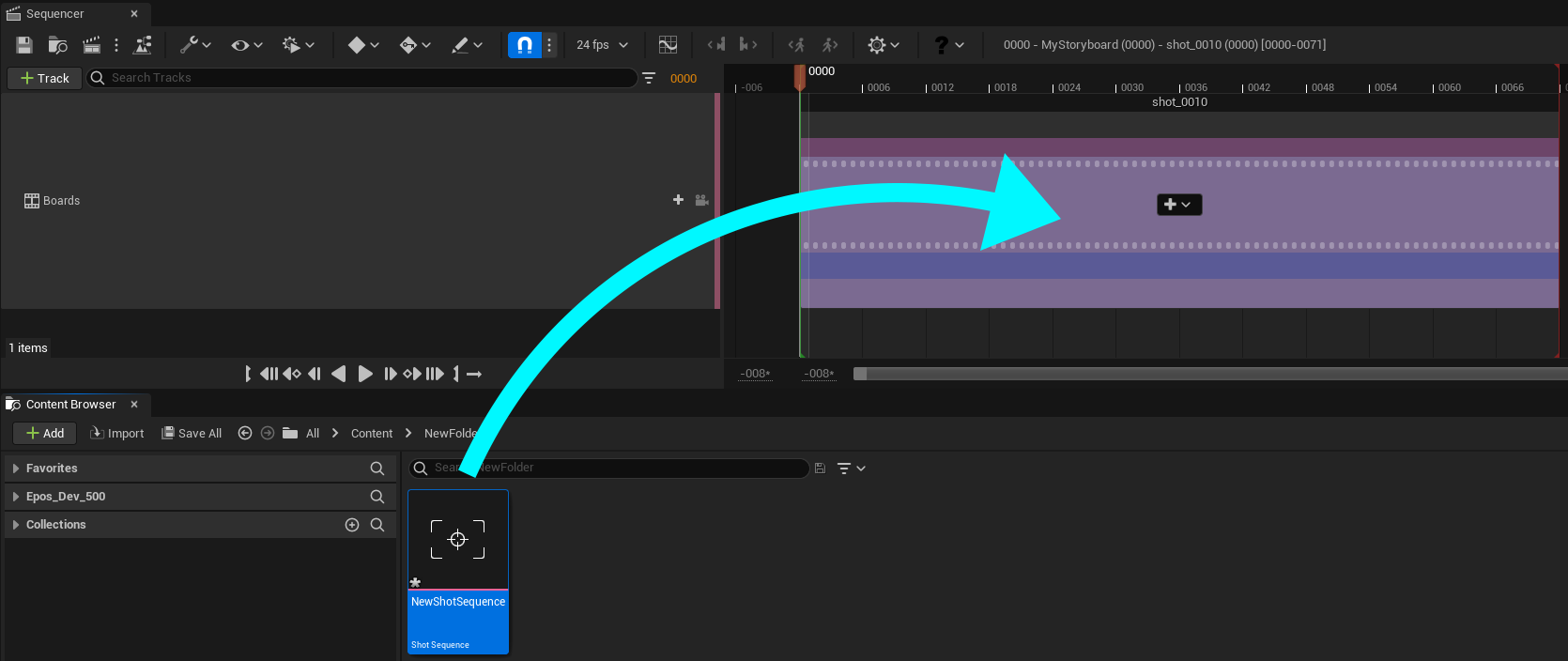
The asset Shot Sequence created should be then dragged and dropped into the Sequencer, into the Board Sequence previously created.