
3D Editor#
In Unreal Engine, the environment is determined by the asset Level.
“Levels” are the scenes where you shape your game or animation world. A Level essentially represents a 3D environment where you position various objects and structures.
Tip
You can also hear / read about the term “Map”. Map and Levels means exactly the same thing.
Any element introduced into this environment, whether it is a light source, a mesh, or a character, is categorized as an “Actor”. From a technical perspective, an Actor is a programming class that specifies an object’s 3D position, rotation and scale data, in addition of its aspect (texture, colors, emissiveness, etc). Essentially, an Actor encompasses any object that can be integrated into your Levels.
The process of creating Levels commences by populating them with a variety of elements. These elements may encompass components like world geometry, scenes features in the form of Brushes, Static Meshes, lighting fixtures, player starting points, props, vehicles or buildings.
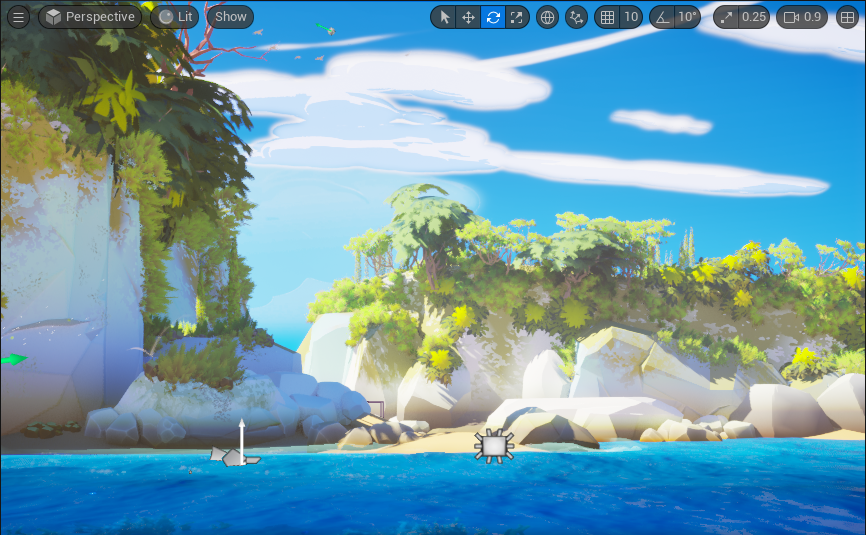
Please note the following lessons covers only parts directly or indirectly related to Odyssey.
For more information about the use of the 3D environment in Unreal Engine, please refer to Unreal Engine user documentation.